Swimat
⚠️ This project is archived and no longer maintained.
Swimat was built in 2015, when Xcode had no built-in way to format Swift code. That is no longer true — Xcode now ships Apple’s
swift-formatas a first-party feature, available under Editor → Structure → Format File.If you’re looking for a replacement:
Need Use Format inside Xcode Editor → Structure → Format File (built in) A configurable Xcode extension SwiftFormat for Xcode — brew install --cask swiftformat-for-xcodeFormatting in CI / pre-commit SwiftFormat or swift-format Linting SwiftLint The last release (1.7.0) no longer passes Gatekeeper and the Homebrew cask is being disabled. Please migrate to one of the options above.
Swimat’s formatter is a hand-written character scanner, which cannot correctly handle Swift features added since ~2020 — regex literals, custom operators, and nested block comments can be corrupted. The tools above are built on
swift-syntaxand do not have this class of bug.Thank you to the 1,600+ people who starred this, the 90+ who forked it, and everyone who filed an issue or sent a patch over the past decade. — @Jintin




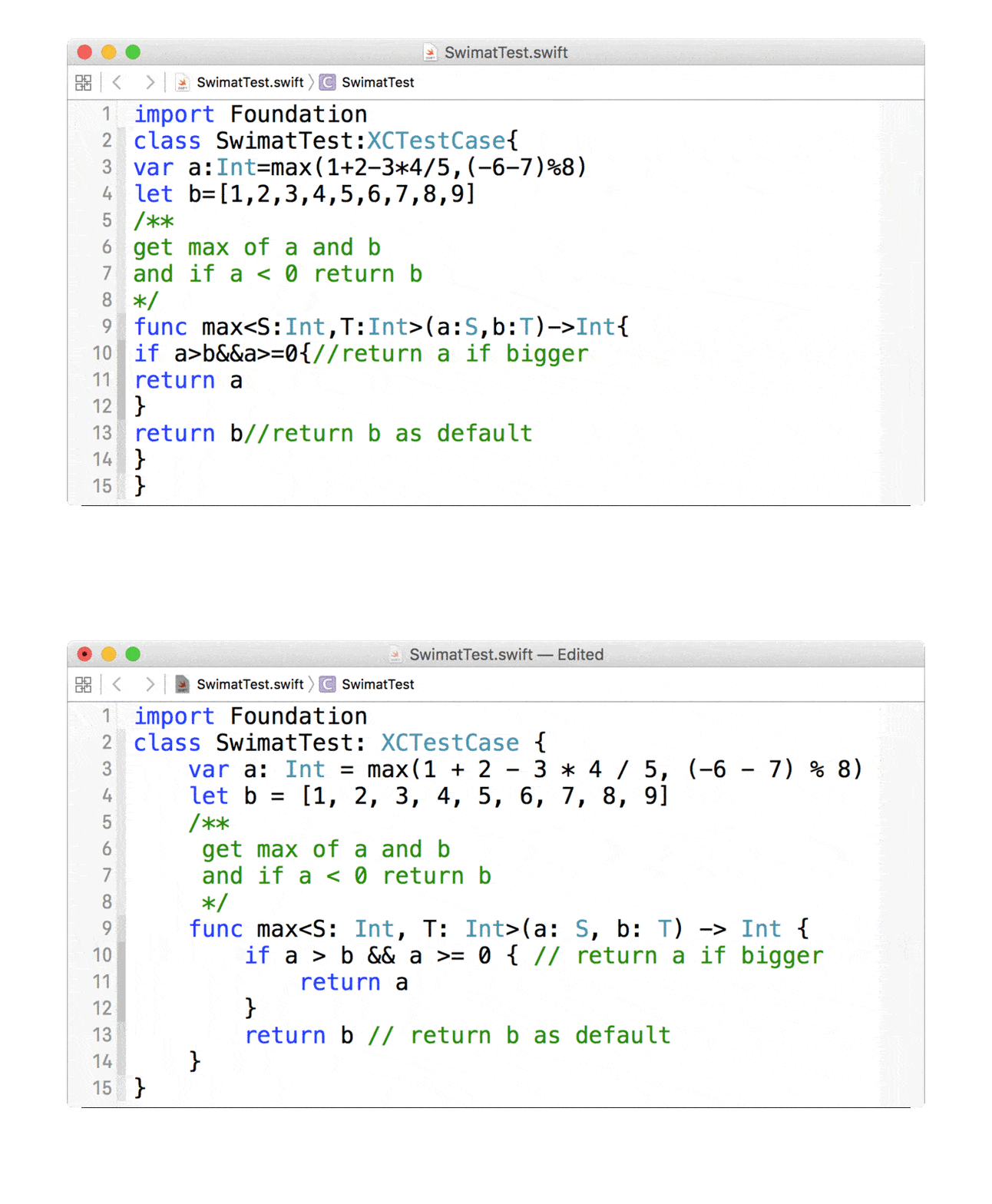
Swimat is an Xcode plug-in to format your Swift code.
Preview
Installation
There are three way to install.
- Install via homebrew-cask
  # Homebrew previous version
  brew cask install swimat
  # Homebrew latest version
  brew install --cask swimat
- Download the App directly.
https://github.com/Jintin/Swimat/releases/download/1.7.0/Swimat.zip
- Clone and archive to Mac App by yourself.
Usage
After installation, you should open the Swimat.app once to make the functionality works.
In the Xcode menu click [Editor] -> [Swimat] -> [Format] then the current active file will reformat.
You can also create a hot-key in [Xcode] -> [Preferences..] -> [Key Bindings], if you don’t have any prefernce you can set as ⌘ + ⇧ + L.
TroubleShooting
Check [System Preferences] -> [Extensions] -> [Xcode Source Editor] -> [Swimat] is checked. 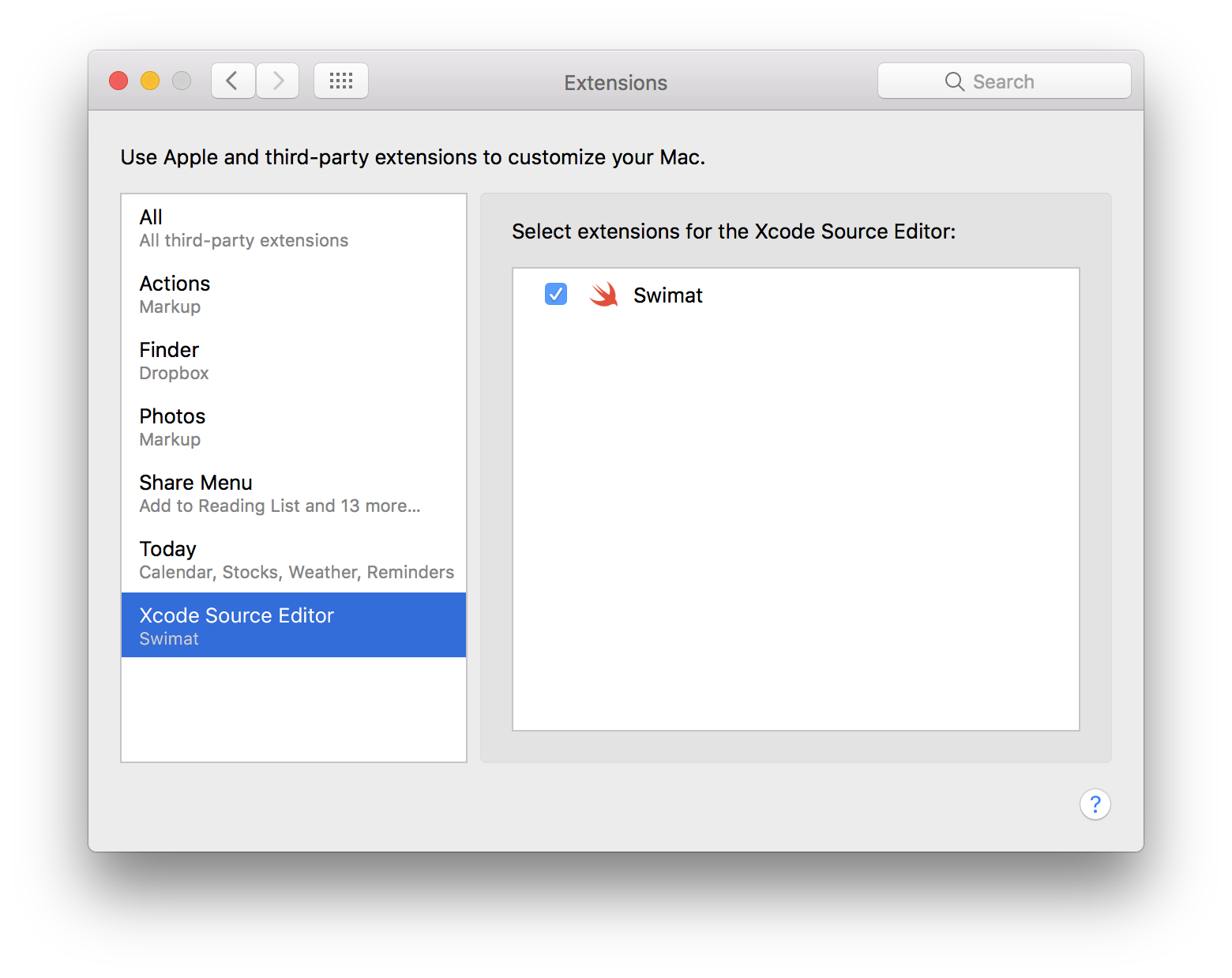
Contributing
Bug reports and pull requests are welcome on GitHub at https://github.com/Jintin/Swimat.
License
The module is available as open source under the terms of the MIT License.